Want to learn my favorite Midjourney Tips & Tricks before anyone else? Sign up for my Newsletter!
Midjourney Introduces 2 New Features: Profiles & Style Creator
|
FutureTechPilot
Want to learn my favorite Midjourney Tips & Tricks before anyone else? Sign up for my Newsletter!
Scanner & Spa Last night, Midjourney unveiled one of their secret hardware projects - a full-body ultrasound scanner & their plans for a Midjourney Spa! The whole thing looks incredible. You can find more information here: www.midjourney.com/medical - and you can watch this video I made for a quick summary! Cheers! - Nolan Unsubscribe · Preferences
Big Grids Midjourney launched an update last night and I can't believe how cool it is ... first, we can now generate in bigger grids - 24 images at once! It's amazing. They also unlocked access to their upcoming model - you can trigger with --preview at the end of your prompt! It's actually so fun to use, you gotta try it. I made a video going over everything, check it out below: Cheers! - Nolan Unsubscribe · Preferences
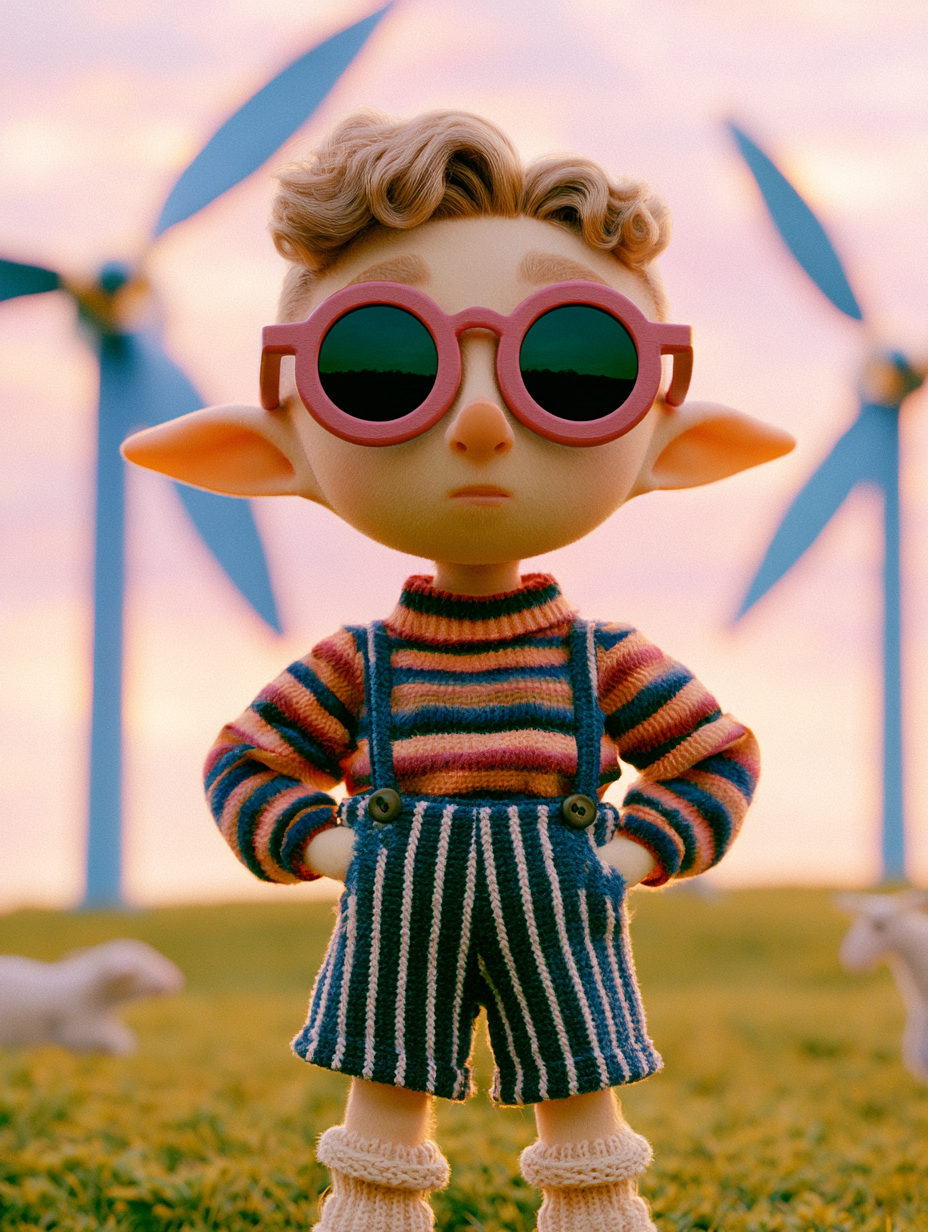
The New Meta Hey everyone! I created a video recently showing you every part of a successful Midjourney V8 prompt -- and there are three key things you need to know ... Write as much detail as you can (sounds simple, I know) Add parameters!!! (stylize, chaos, raw, exp) Add References! (Literally point to another picture or mood board and tell Midjourney that you want more of it) If you want the full breakdown, you can click on the video below And before I go, I wanted to remind you that my...