Want to learn my favorite Midjourney Tips & Tricks before anyone else? Sign up for my Newsletter!
Amazing Midjourney Fashion Tip!
|
FutureTechPilot
Want to learn my favorite Midjourney Tips & Tricks before anyone else? Sign up for my Newsletter!
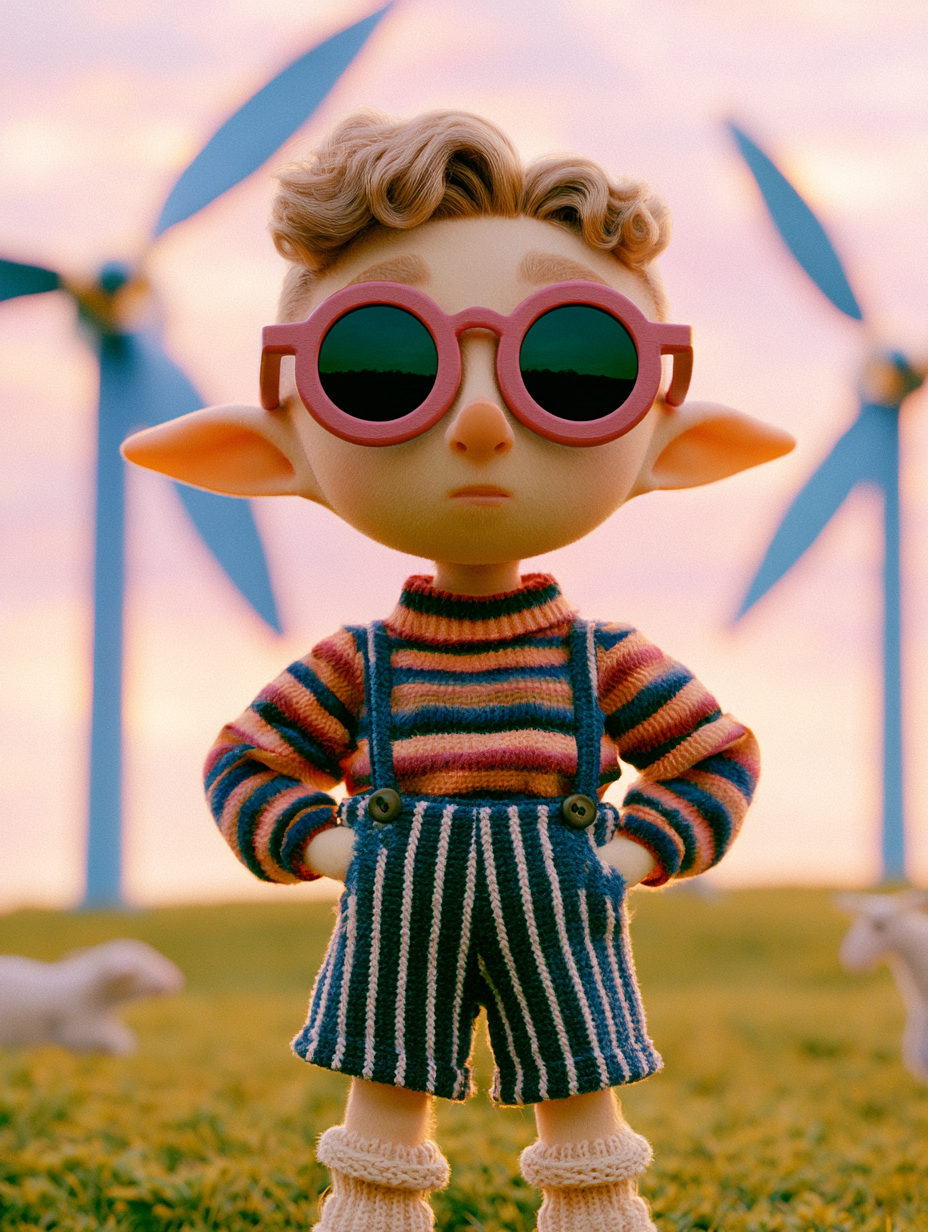
The New Meta Hey everyone! I created a video recently showing you every part of a successful Midjourney V8 prompt -- and there are three key things you need to know ... Write as much detail as you can (sounds simple, I know) Add parameters!!! (stylize, chaos, raw, exp) Add References! (Literally point to another picture or mood board and tell Midjourney that you want more of it) If you want the full breakdown, you can click on the video below And before I go, I wanted to remind you that my...
New GPT Image Model So ChatGPT kind of stealth-launched a new update to their Image Generator and this is the most impressed I've been with an Ai in a long time! You can build some incredibly silly images - but there are also a few cool filmmaking workflows to check out - I highlighted some in this video here: And I should have another video coming out soon about more fun things you can make. Anyways, just thought you'd want to know about that - I hope you're doing well - and if you want to...
Version 8.1! I'm happy to share the news of a big Midjourney update! Version 8.1 is now available on alpha.midjourney.com - and it's soo much more fun to use. Essentially, it's just way easier to create good-looking images - like Mood Boards & Style Reference codes really pop now. There are a few other things to highlight, so I made a video going over what you need to know: Speaking of Mood Boards, I shared this code with my community last night --p uxqf721 ^ You'll get some hazy cinematic...